Skip to content
window shade up
Menu
  • Home
  • About
  • Blog
  • Flight Log
    • 2024
    • 2023
  • Gallery
  • Contact
  • Follow on Instagram
Menu

Gallery

Create your website with blocks
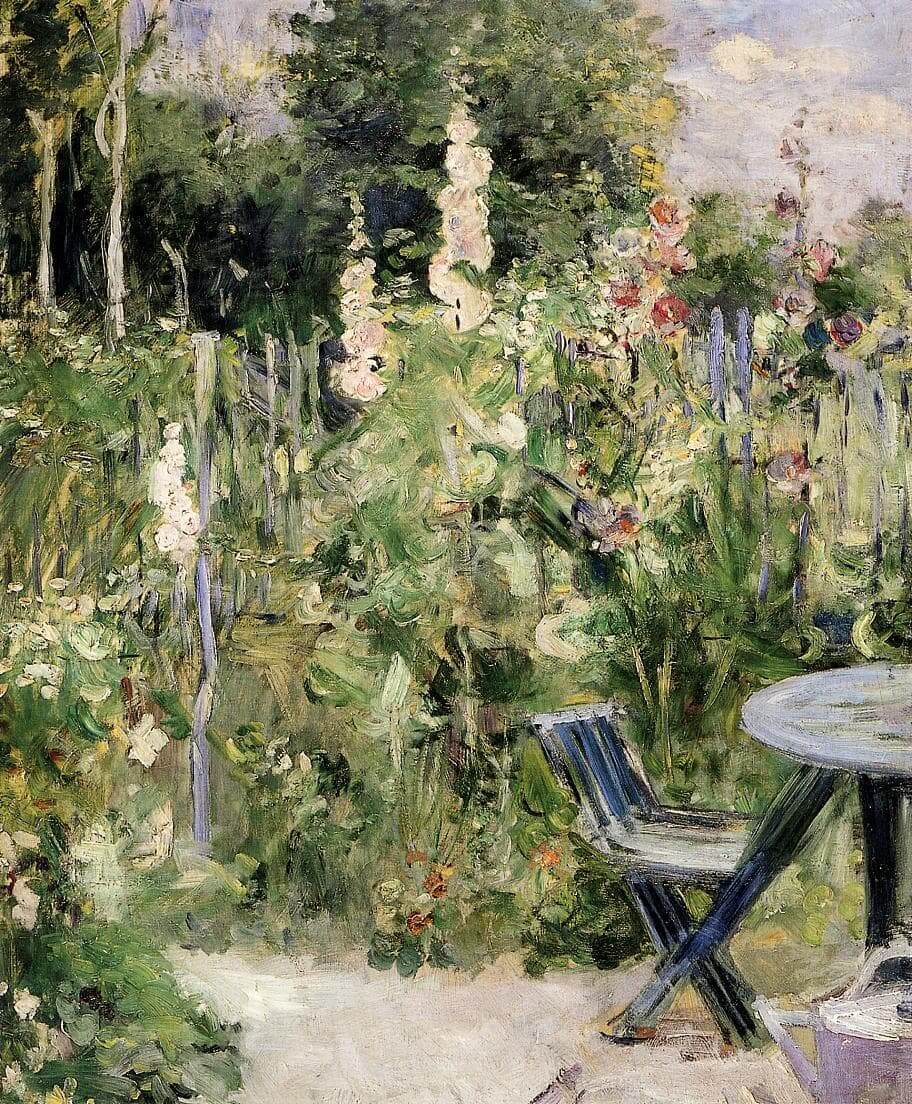
“Roses Trémières” by Berthe Morisot
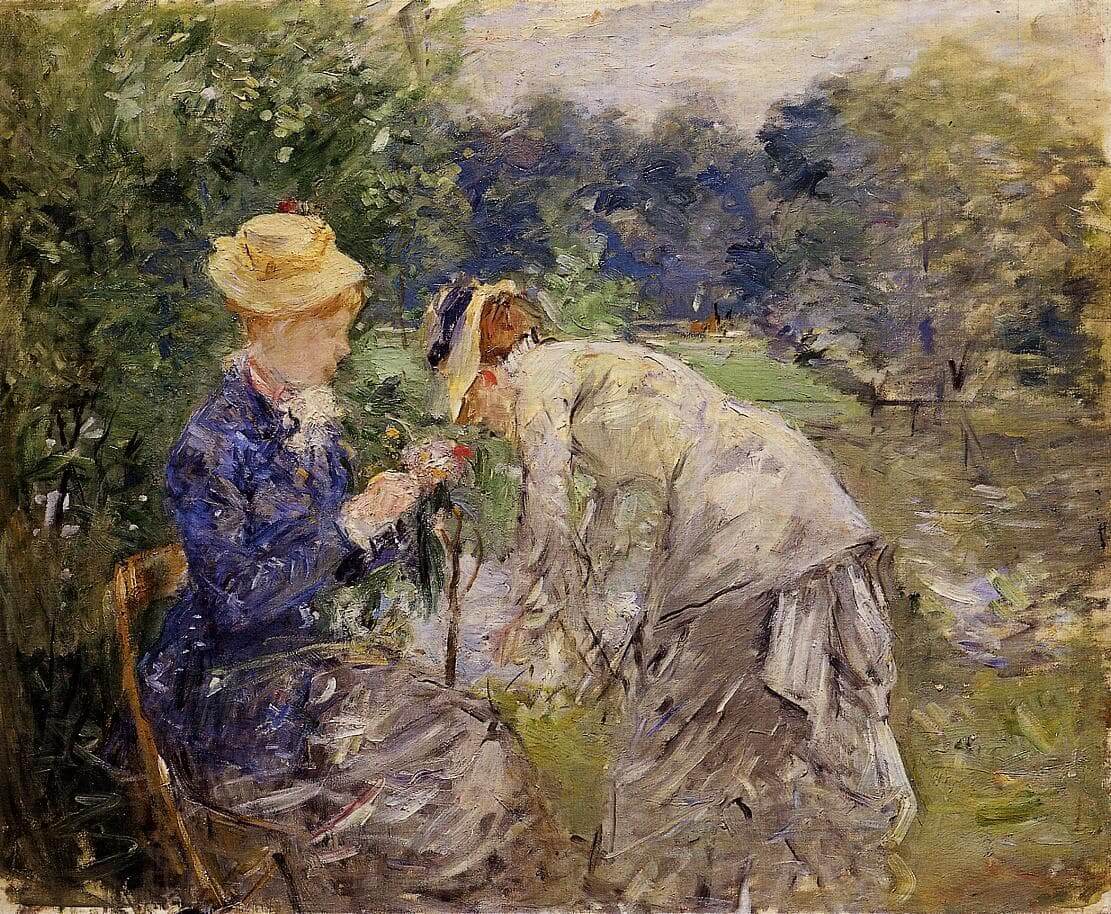
“In the Bois de Boulogne” by Berthe Morisot
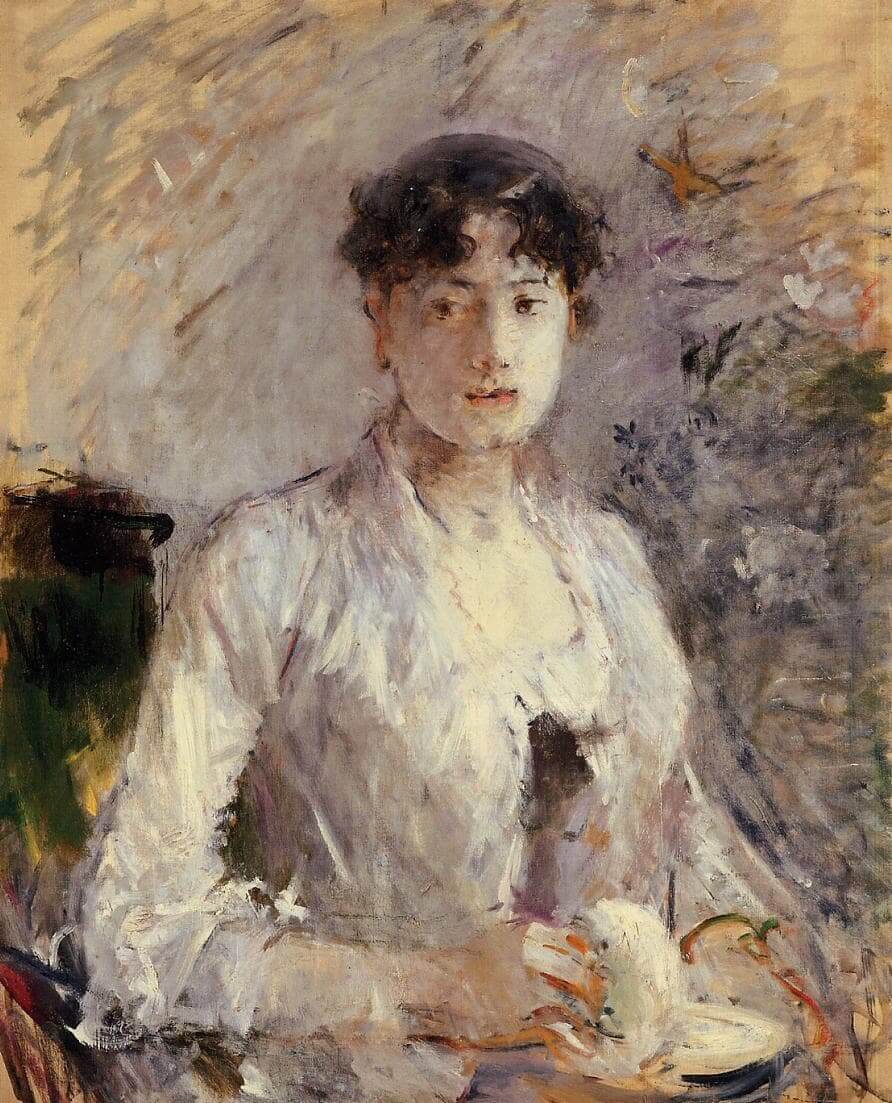
“Young Woman in Mauve” by Berthe Morisot

Add block patterns

Block patterns are pre-designed groups of blocks. To add one, select the Add Block button [+] in the toolbar at the top of the editor. Switch to the Patterns tab underneath the search bar, and choose a pattern.

Frame your images

Twenty Twenty-One includes stylish borders for your content. With an Image block selected, open the "Styles" panel within the Editor sidebar. Select the "Frame" block style to activate it.

Overlap columns

Twenty Twenty-One also includes an overlap style for column blocks. With a Columns block selected, open the "Styles" panel within the Editor sidebar. Choose the "Overlap" block style to try it out.

Need help?

Read the Theme Documentation

Check out the Support Forums

Recent Posts

  • The Slow Green Raccoon Crawls Over the Sleepy Bear

Recent Comments

  1. WindowShadeDown on The Slow Green Raccoon Crawls Over the Sleepy Bear
  2. Pee on The Slow Green Raccoon Crawls Over the Sleepy Bear
  3. windowshadeup on The Slow Green Raccoon Crawls Over the Sleepy Bear
  4. windowshadeup on The Slow Green Raccoon Crawls Over the Sleepy Bear

Archives

  • December 2025

Categories

  • Uncategorized
© 2026 window shade up | Powered by Minimalist Blog WordPress Theme